
Master Your Schedule With The Bookingor Plugin For WooCommerce
Running a service business often feels like a constant battle against double bookings and missed appointments. You know the struggle of keeping your calendar organized when you have clients calling, emailing, and messaging at all hours. What if your website could handle the entire booking process while you sleep?
That is where Bookingor steps in to change how you manage your day. It integrates directly into your existing WooCommerce setup, turning your shop into a fully functional appointment manager. You get to focus on serving your clients, not tracking down time slots in a paper planner.
Best WooCommerce Appointment Scheduler
If you already use WordPress and WooCommerce, you do not want another standalone platform to manage. You want something that talks to your current store. Bookingor makes this happen by adding scheduling logic right into your product pages.
Core Functionality for Your Business
Managing availability is usually the biggest headache for any service provider. You need a system that respects your working hours, holidays, and buffer times without needing manual adjustment every week. Bookingor allows you to define specific availability rules per staff member or service.
- Set custom start and end times for specific days.
- Define buffer times between sessions to prepare or travel.
- Enable staff-specific calendars so clients choose who they work with.
- Sync appointments with Google Calendar to keep everything in one spot.
- Create recurring booking options for your loyal clients.
- Automate booking confirmations and reminders via email.
- Manage flexible pricing based on duration or specific staff members.
- Track all your bookings in one clear dashboard.
Bookingor have many features Check out more Features and Complete fatures Details
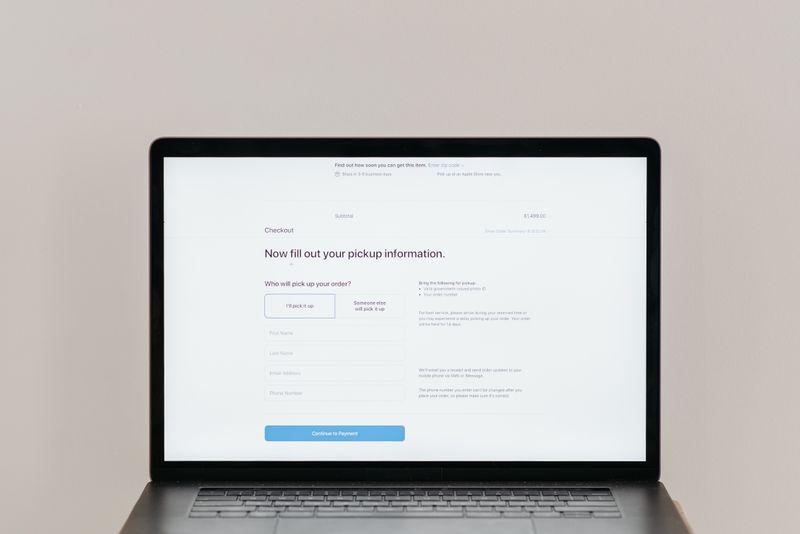
The best part about this approach is how it handles the checkout process. Since it uses the standard WooCommerce cart, you can accept payments immediately. You no longer have to chase down invoices or worry about no-shows because the client pays when they secure their spot. It feels like a natural extension of your store, and your customers will appreciate the clear, professional flow during checkout.
Why Choose Bookingor for Scheduling
There are many tools out there, but most are either too expensive or too clunky to maintain. When you choose an option that lives inside your WordPress admin, you save money and reduce the number of passwords you need to keep track of. It simply stays out of your way until you need to look at your agenda.
You can get started today without needing a degree in web development. The interface remains consistent with what you already see in WooCommerce, so you spend less time learning software and more time with your clients. If you have been looking for a way to stop the back-and-forth emails, this setup is a solid choice.
Ready to get started? Download the free Bookingor plugin from the WordPress directory, or upgrade to Bookingor Pro for advanced features and premium support.






0 comments for this post