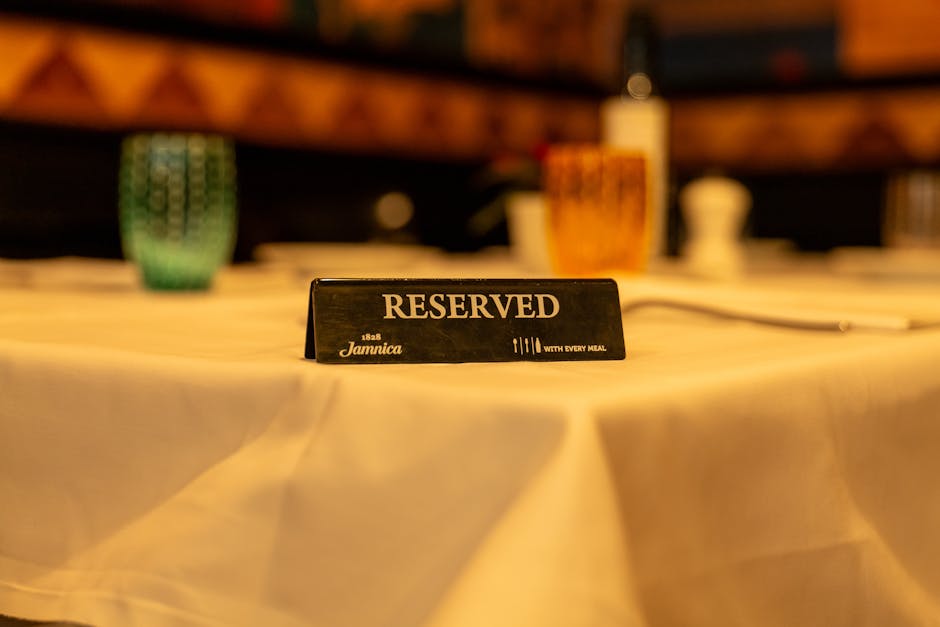
Stop Losing Customers to Phone Tag: Mastering Restaurant Bookings on WordPress Using the Bookingor Plugin
Does the sound of a ringing phone during the dinner rush still send shivers down your spine? In the modern dining landscape, relying solely on someone manually jotting down reservations in a dog-eared binder is just asking for trouble. You need a system that works tirelessly for you, especially when you are focused on crafting the perfect dish or greeting guests at the door.
Moving your reservations onto your WordPress website is not just a convenience; it’s a necessity for thriving in a competitive market. We are going to dive deep into setting up a robust system, focusing on the features of a highly effective, yet hypothetical, tool: the Bookingor plugin. Get ready to streamline your service and boost your bottom line.
Why Ditch Phone Tag? The Need for Digital Reservations
Think back to the last time you tried to call a busy restaurant for a reservation. If the line was busy, did you call back immediately, or did you just pull up a competitor’s menu? Most people opt for the latter. Every missed call during peak hours represents lost revenue and frustrated potential customers.
A specialized booking plugin eliminates this friction entirely. It serves as your 24/7 digital concierge, handling requests, managing capacity, and sending confirmations while you focus on operations. Implementing this technology ensures your seating capacity always works in your favor.
The Headache of Manual Booking
Manual systems always introduce human error. Someone might misread a date, double-book a popular time slot, or forget to account for a cancellation. These small errors quickly snowball into major service disruptions and poor guest experiences. Furthermore, keeping track of no-shows becomes incredibly difficult when all data lives on paper.
When you transition to a digital system, you gain immediate clarity and control. You can analyze booking trends, identify your busiest hours, and staff your team appropriately. Digital records also make it simple to track repeat customers and personalize their experience when they return. It is truly the difference between guessing your needs and knowing them precisely.
Step-by-Step: Setting Up Bookingor on WordPress
Getting a digital reservation system up and running doesn't need to feel like rocket science. WordPress makes the process straightforward, especially when you select a specialized plugin like Bookingor. We will walk through the core stages of integrating this powerful system into your existing site structure.
Installation and Activation (The Easy Part)
The journey begins exactly where every WordPress installation starts: in the backend dashboard. You should navigate to the Plugins menu and choose ‘Add New.’ From there, you will search for the Bookingor plugin, hit install, and then activate the software. Always make sure your WordPress theme is fully updated before installing any major functionality plugins; it simply prevents potential compatibility snags down the line.
Once activated, Bookingor typically creates a new menu item in your dashboard, usually labeled 'Bookings' or 'Reservations.' This menu acts as your command center for all configuration and management moving forward. Take a moment to familiarize yourself with the layout; you will be spending quality time here managing your successful future capacity.
Configuring Your Restaurant's Availability
The most critical setup phase involves accurately defining your operational schedule and capacity limits. Think of this as translating your physical dining room constraints into digital rules. Start by setting your standard hours of operation for every day of the week, including any midday closures or extended weekend hours. If you close on Mondays, make sure the system knows that, too.
Next, you must specify your seating capacity. Bookingor allows you to define the number of available tables broken down by party size (e.g., 10 tables for two, 5 tables for four). This precision ensures the system never confirms a booking you cannot physically accommodate. If you run special services like brunch or holiday sittings, you can often override standard availability using seasonal settings within the plugin.
Bookingor Plugin Features: Optimize Your Seating Strategy
I feel that relying on outdated reservation methods seriously holds back your restaurant. Choosing the right plugin means the difference between chaos and a smooth dinner service. Bookingor steps up to handle the complexity, allowing you to focus on the dining experience rather than managing spreadsheets. This system handles everything from unexpected cancellations to maximizing table turnover without you needing to lift a finger during the rush. You deserve a system that thinks ahead for you.
Smart Table Assignment and Turnover Control
This plugin stands out because it truly understands physical space constraints. It doesn't just block off a table when a booking comes in; it calculates the optimal seating arrangement based on group size and projected dining duration. This approach prevents those awkward gaps in the dining room and keeps your flow steady, especially during peak times when every minute counts. You can set specific buffer times between reservations to ensure your staff has adequate time to flip the table and prepare for the next guests.
Features and Best Use Cases
- Enables detailed floor plan mapping to visually manage where guests sit.
- Sets customizable time slots and maximum booking capacity per slot, preventing overbooking effectively.
- Offers automatic table pairing when large groups require merging smaller tables.
- Provides immediate notifications for new bookings or modifications directly to specified staff emails or POS systems.
Integrated Waitlist and Guest Communication
Managing a full house is great, but turning away potential customers is painful. Bookingor includes a seamless digital waitlist feature. If the restaurant is fully booked, you can offer guests the option to join the queue automatically, providing them with real-time updates on their expected wait time. This level of transparency keeps guests happy and prevents them from simply walking over to your competitor next door. Plus, having robust communication tools built right in streamlines confirmation processes.
Features and Best Use Cases
- Sends automated SMS and email confirmations and reminders to reduce no-show rates dramatically.
- Manages pre-order requests or special dietary needs collected during the booking process.
- Tracks customer history, including previous visits and notes, improving personalized service greatly.
- Allows you to implement a cancellation policy that requires credit card holds for large parties, reducing revenue loss from empty seats.
Putting the System to the Test
Once you finish configuring the basics and the features, you must conduct thorough testing. Pretend you are a first-time guest trying to book a table for various times and party sizes. Make sure the booking form displays cleanly on both desktop computers and mobile phones, as most bookings occur on the go.
Troubleshooting Common Booking Issues
If you encounter issues, they often stem from conflicting time settings or capacity settings that are too restrictive. If a specific time slot always appears blocked, double-check your turnover buffer settings or your hourly capacity limits. You should also ensure the plugin's frontend shortcode or block is correctly placed on a dedicated 'Reservations' page for maximum clarity.
It is worth investing time now to make sure the system runs perfectly. A small investment in testing pays huge dividends later when hundreds of happy customers are successfully booking tables without intervention. This whole system operates best when you trust it completely.
Final Thoughts on Digital Reservations
Ditching the paper reservation book is one of the smartest operational moves you can make this year. By leveraging a powerful WordPress plugin like Bookingor, you transition from reactive management to proactive scheduling. You empower your guests to book at their convenience and free up your staff to deliver exceptional hospitality.
Take these steps, configure your features carefully, and watch your table turnover improve. The future of dining relies on seamless digital integration, and now you have the tools to lead the way.